
Sign up in two minutes. No demo required.
Sign up, import your clients, pick a template, assign someone. Your first job can be moving within a few minutes. No sales call to get started, no implementation fee, no six-week onboarding plan. Tweak the rest as you learn what matters to you.
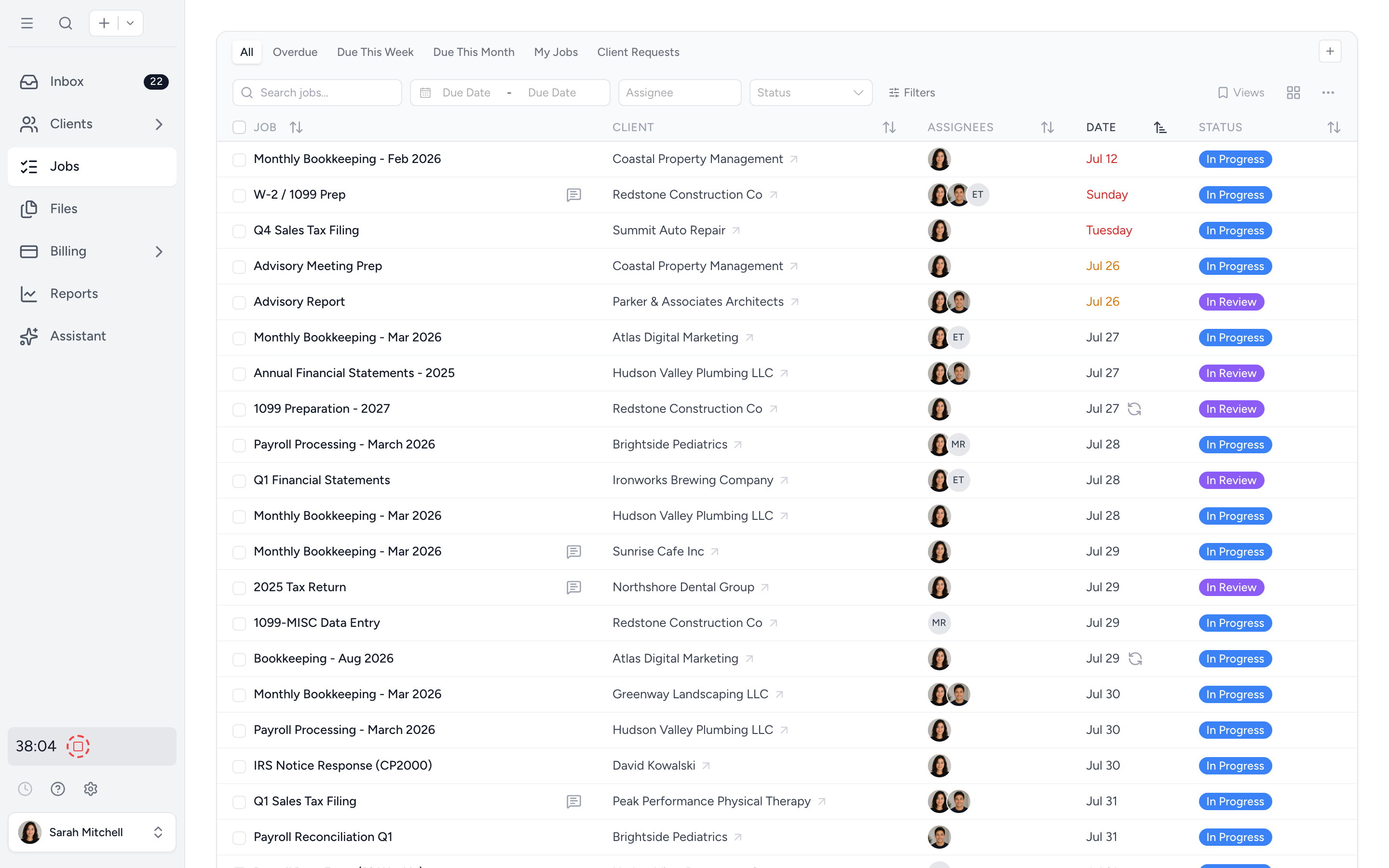
No demo required
Sign up with email, Google, Microsoft, or Xero. Click around. Invite the team. The trial doesn't ask for your credit card and we don't ask for your shoe size.
Smart defaults out of the box
Job statuses, reminder schedules, and a branded client portal pre-configured. Templates ready to apply. You don't have to design a system to start using one.
Bring your clients with you
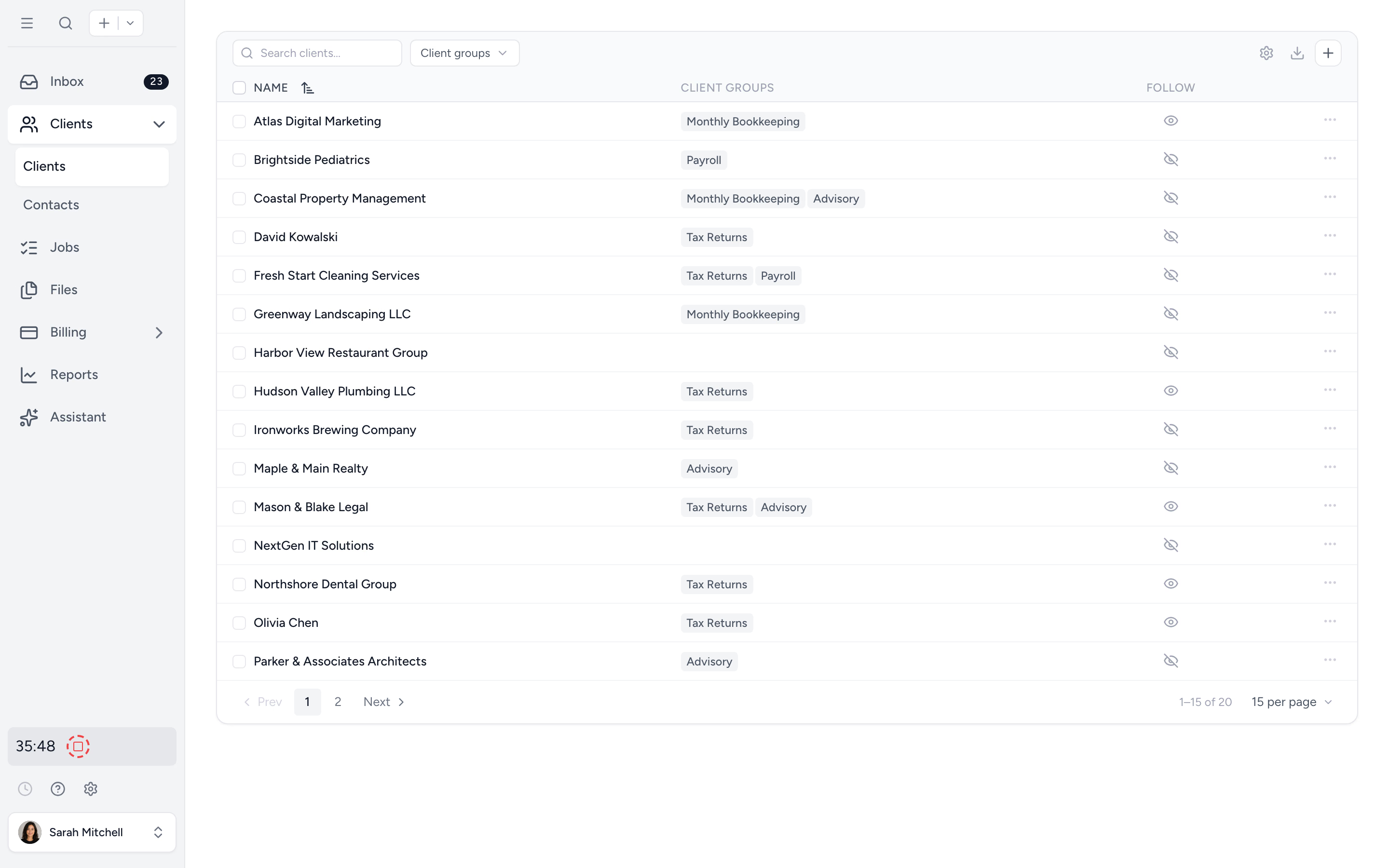
Connect Xero or QuickBooks Online and import every client in one click. Or upload an Excel file if you've been keeping the list somewhere else.
Your client list, in one click.
After signup, connect your Xero organisation or QuickBooks Online company and Tidyflow pulls every active client into your firm. Or upload an Excel sheet if you keep your list elsewhere. No rekeying.
- ✓ Direct Xero and QuickBooks Online import
- ✓ Excel template upload with column mapping
- ✓ Custom fields preserved on import
- ✓ Regional business lookups (ABN, Companies House)
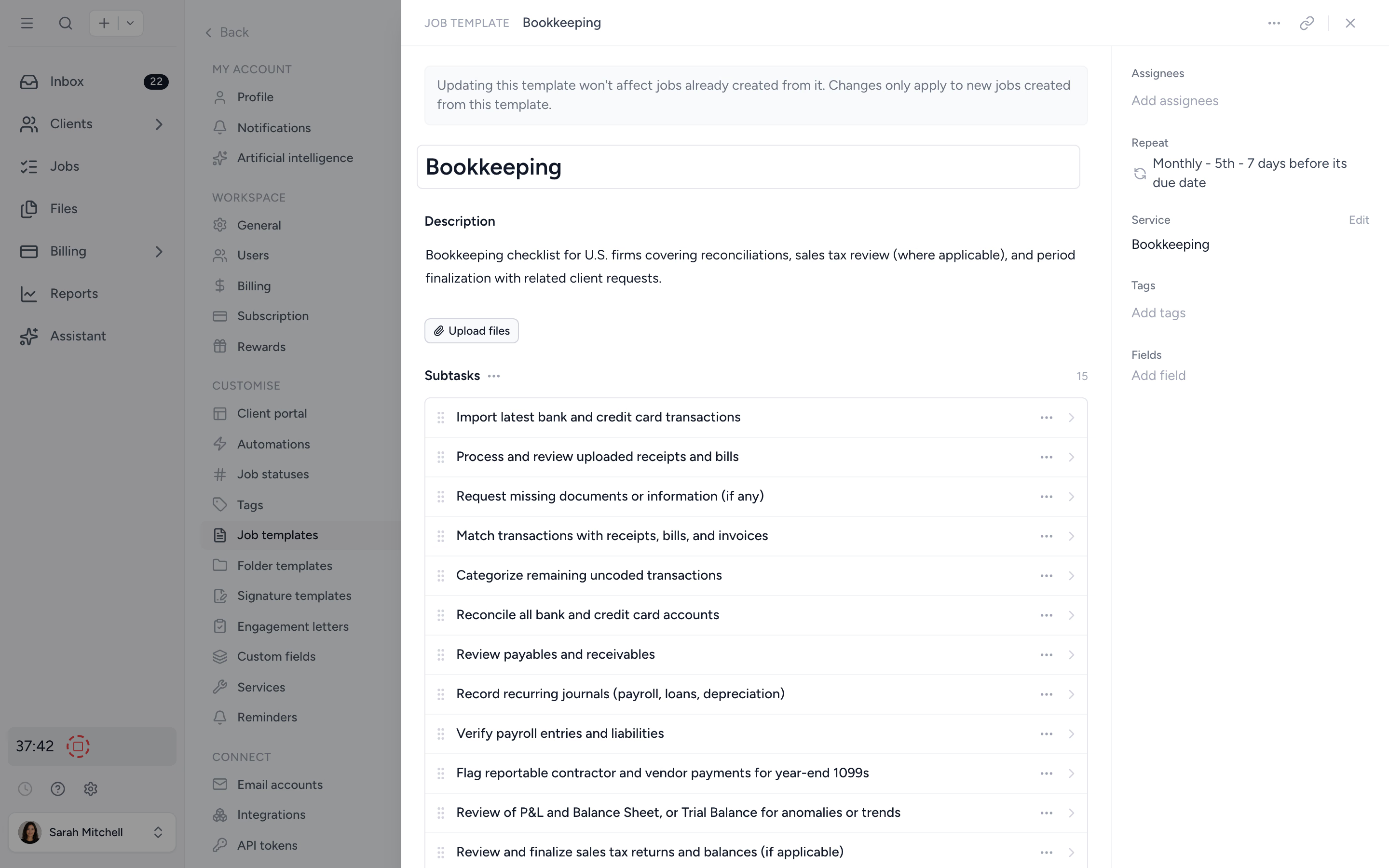
Pick a template. Run a job. You're already working.
Pick from a template library covering monthly bookkeeping, year-end, and tax returns, plus a ready-made US 1040 client organizer you can send as-is. Apply one to a client, set the cadence, assign a teammate. The first job is moving before lunch.
- ✓ Job templates from the library
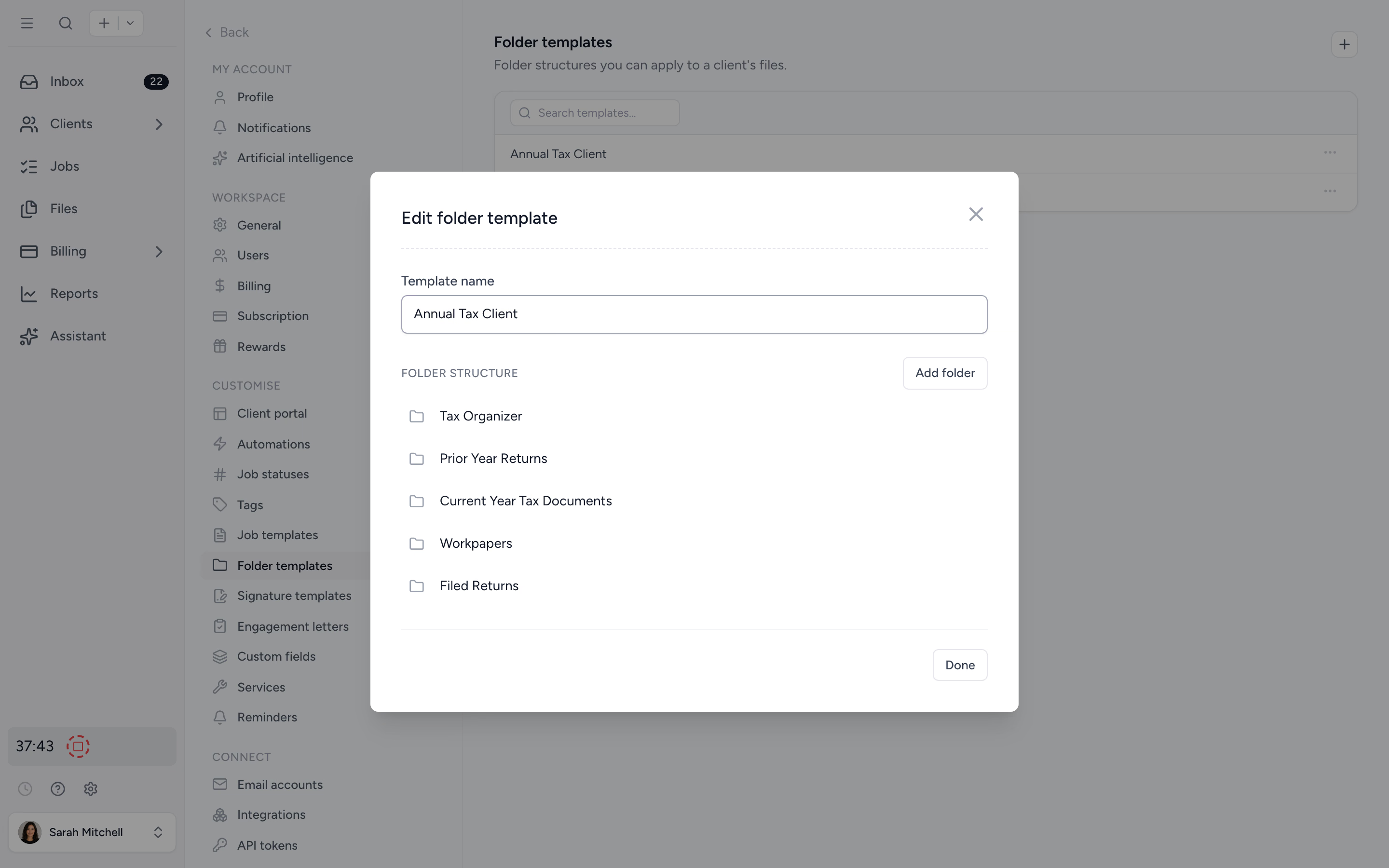
- ✓ Folder templates ready to deploy
- ✓ Bulk-deploy templates across many clients (big deploys run in the background)
- ✓ Edit anything later without losing existing work
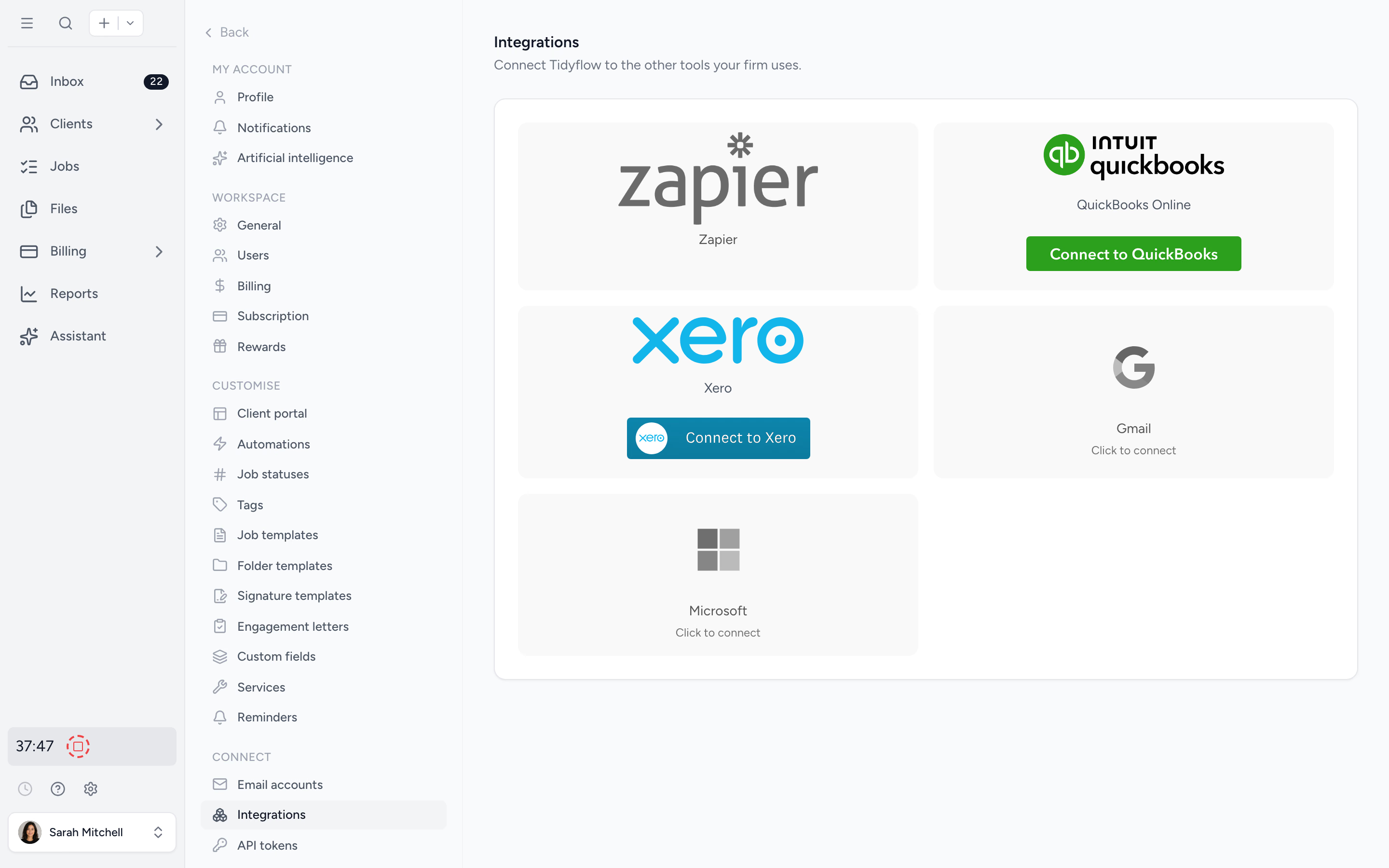
Plug into the stack you already run.
Xero and QuickBooks Online for client and ledger data. Take card payments online (Stripe under the hood, set up from the app). Zapier and Make for everything else on Pro. No integration consultant required, no custom development. Most connections take a minute.
- ✓ Native Xero and QuickBooks Online sync
- ✓ Online payments built in (no account required upfront)
- ✓ Zapier for the long tail of tools (Pro)
- ✓ Email accounts (Gmail, Outlook) connected in two clicks
Every client gets the right folders. Automatically.
Define your firm's folder structure once. Bulk-deploy it across selected clients in one action. Onboarding a new client takes seconds, not twenty minutes of clicking through New Folder dialogs. Files clients upload land in the right place from day one.
- ✓ Reusable folder templates
- ✓ Bulk-apply to selected clients
- ✓ Consistent structure across the whole firm
Signup to first job in four short steps.
- 1
Create an account
Your email, or Google, Microsoft or Xero. Confirm the code we send, add your firm name, and you're in. No credit card.
- 2
Add your clients
Import from Xero, QuickBooks, or a spreadsheet. Or add manually.
- 3
Apply a template
Pick from the template library, assign owners, set a cadence.
- 4
Invite the team
Send invites by email. Roles for staff and contractors.
What changes when onboarding stops being a project.
Other practice tools
- ×Mandatory sales call before you can see the product
- ×Implementation fee on top of the subscription
- ×Six-week onboarding plan with mandatory training
- ×Empty templates that you have to design from scratch
- ×Manual client list rekeying or expensive migration
With Tidyflow
- ✓Sign up and explore. No gating, no demo required
- ✓Self-serve trial with no credit card
- ✓In your workspace in about two minutes, first job moving minutes later
- ✓Templates ready to use, edit later
- ✓One-click Xero, QuickBooks, and Excel imports
Loved by firms who didn't want a six-week onboarding plan.
"Tidyflow is a great software, and I highly recommend it for small practices looking to modernise their systems."
"Overall, everything just works, whether that be time recording, deadline management, monitoring WIP, billing … client portal, digital signatures, and many other features that a small accounting or bookkeeping practice needs."
"The user-friendly interface and solid features have become essential in streamlining our accounting firm's operations, ensuring consistent and reliable service delivery."
"Great for team collaboration, accountability, keeping track of information and ensuring nothing falls through the cracks."


Self-serve from signup to your hundredth client.
Start
- 14-day free trial
- No credit card required
- Email or SSO signup, no sales call
- Getting-started call from inside the app
Import
- Xero one-click import
- QuickBooks Online import
- Excel template upload
- Regional business lookups
- Custom fields supported
Configure
- Job templates
- Folder templates
- Ready-made US 1040 organizer template
- Reminder schedules pre-configured
- Default job statuses
- Client portal live from day one, with preview as a client
- Tags and client groups
From $29/user/month, billed annually.
No setup fee, no implementation cost, no minimum users. Cancel from your billing page any time.
Setup questions firms ask us most.
No. Sign up, click around, invite the team. The 14-day trial does not require a credit card. If you want to talk it through, book a getting-started call from Help & Support once you're in.
Signing up takes about 2 minutes, and you can add your first client and job straight after. Import clients from Xero, QuickBooks, or CSV, pick job templates from our library, and you're up and running. Custom workflows or larger team rollouts can take a few days. We can jump on a call or send walkthrough videos if you'd like a hand.
You can self-serve the whole way through, but our team is one click away if you get stuck. Book a free getting-started call from Help & Support, message us in-app, or browse the help centre. No upsell, no enterprise sales process.
Yes. Connect Xero or QuickBooks Online and pull every client across in one click. Or upload an Excel template if you keep your client list elsewhere. Custom fields too.
Yes, you have the option to reset the workspace if you want to first add test data.
Sign up. Click around. Decide later.
Start free for 14 days. No credit card. Most firms are in their workspace in under two minutes.
Explore more features
Artificial Intelligence
An assistant, agent teammates, and MCP connectors on your firm's live data.
Billing & Payments
Invoice from tracked time or fixed fees, and get paid online.
Capacity Planning
See your team's workload before it hits.
Client management
Every client, contact, and detail in one organized place.
Client portal & requests
Clients upload, answer, and approve in one portal. Reminders chase for you.
Collaboration
Comments, mentions, and shared visibility on every job.
Document management
Secure, organized document storage, shared with your clients.
Electronic signatures
Legally binding e-signatures, included at no extra cost.
Email Management
A shared firm inbox, connected to your clients and jobs.
Integrations
Xero, QuickBooks Online, Zapier, Make, and a public API.
Proposals & Engagement Letters
Branded proposals and engagement letters, signed online.
Reporting & Insights
See where your time, billing, and revenue actually go.
Tax organizers
Digital organizers with conditional questions and last year's answers.
Time tracking
Timers and timesheets that flow straight into billing.
Workflow management
Recurring jobs, templates, and deadlines your team can't miss.