
Delegate real jobs. Your clients still only hear from you.
Add an AI agent to your workspace as a team member, then assign it a Job the way you would assign one to a colleague.
Inside your firm
What the agent does on its own
- Reads Jobs, files and email threads
- Creates clients, Jobs and checklists
- Updates status, due dates and assignees
- Drafts emails, proposals and engagement letters
- Asks you when it needs a decision
Your client
What only a person can do
- Send the email
- Post a comment the client can see
- Share a document to the portal
- Approve the numbers
An agent prepares the work and waits. Nothing reaches your client without a team member putting it there.
Delegate it the way you delegate to a person.
Assign it, or @mention it
Assign a Job to the agent, or @mention it in a Job comment. Either one starts it working.
It works, and it asks
You see where it is on the Job as it goes. When it needs a decision it posts a question and notifies you, and you answer it like a teammate.
You review and send
It hands back a Job with the work done and the client emails drafted. You read them, and you press send.
Hand it the whole onboarding job.
Onboarding is the same twenty steps every time, and most of them are lookups and setup rather than judgement. Delegate the Job and the agent works through the parts that do not need you, then hands back a Job with the groundwork done and the drafts waiting for your review.
- ✓ Checks the new name against your existing clients and contacts
- ✓ Sets the client up and builds out the folder structure
- ✓ Deploys your recurring Jobs from your own templates
- ✓ Reads the prior-year returns the client uploaded
- ✓ Drafts the engagement letter and the clearance letter for you to send
Point it at a thread and say chase this.
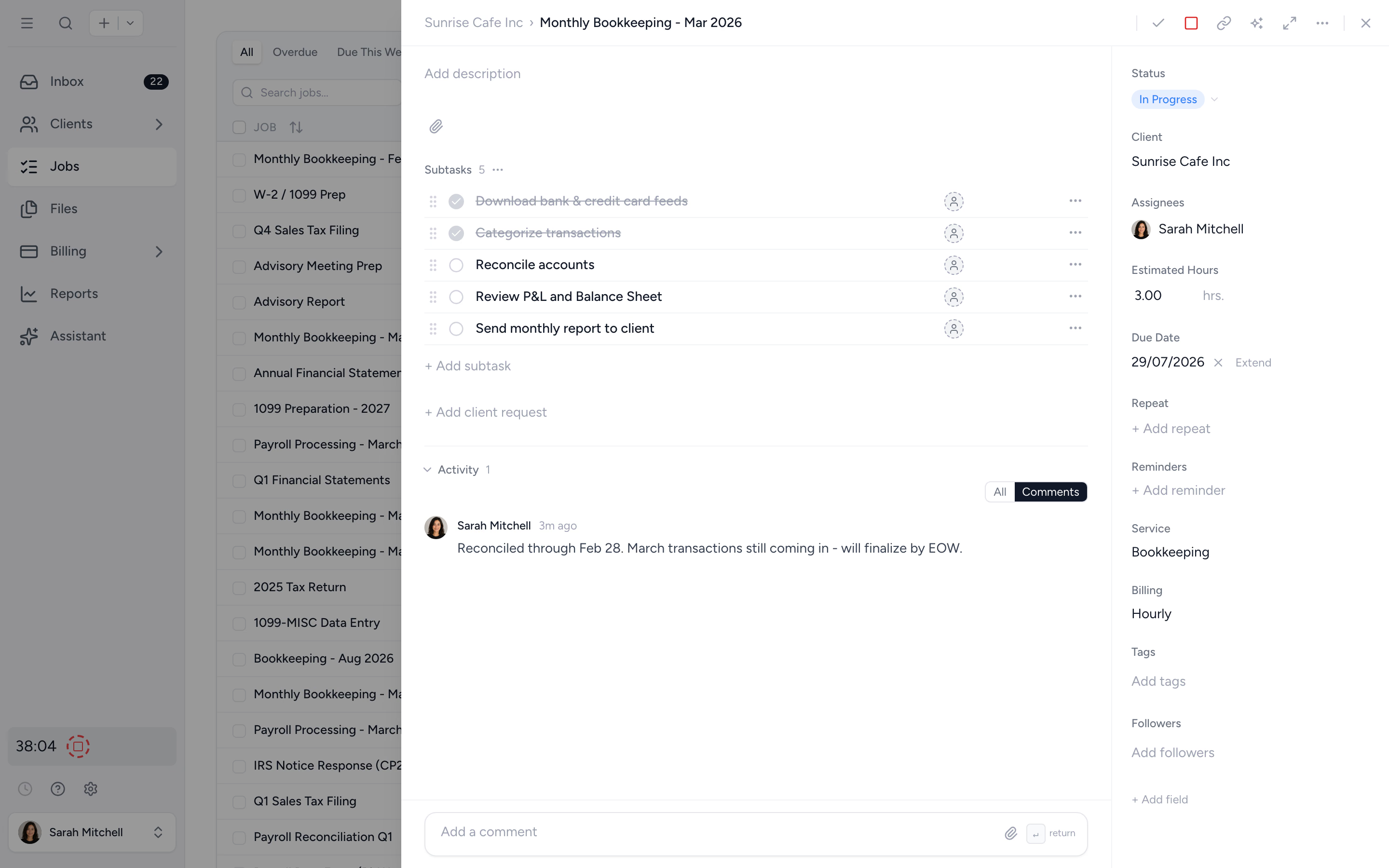
Sometimes the work is not a Job yet, it is a thread nobody has picked up. @mention an agent on an inbox thread and it reads the whole conversation, works out what is outstanding, and answers you on the thread. When the next step is an email, it writes the draft and waits.
- ✓ Reads the full thread, not just the last message
- ✓ Leaves a draft reply ready for a person to send
- ✓ Turns the thread into a Job with a checklist when it should be one
You grant the abilities. It works inside them.
Work
- Jobs and checklists
- Statuses, tags and due dates
- Job templates and rollouts
- Activity and assignment history
Clients
- Clients and contacts
- Files and documents
- Inbox threads
- Proposals and engagement letters
Money
- Invoices and payments
- Recurring invoices
- Service types and tax rates
- Read only
Delegate the job, not the accountability.
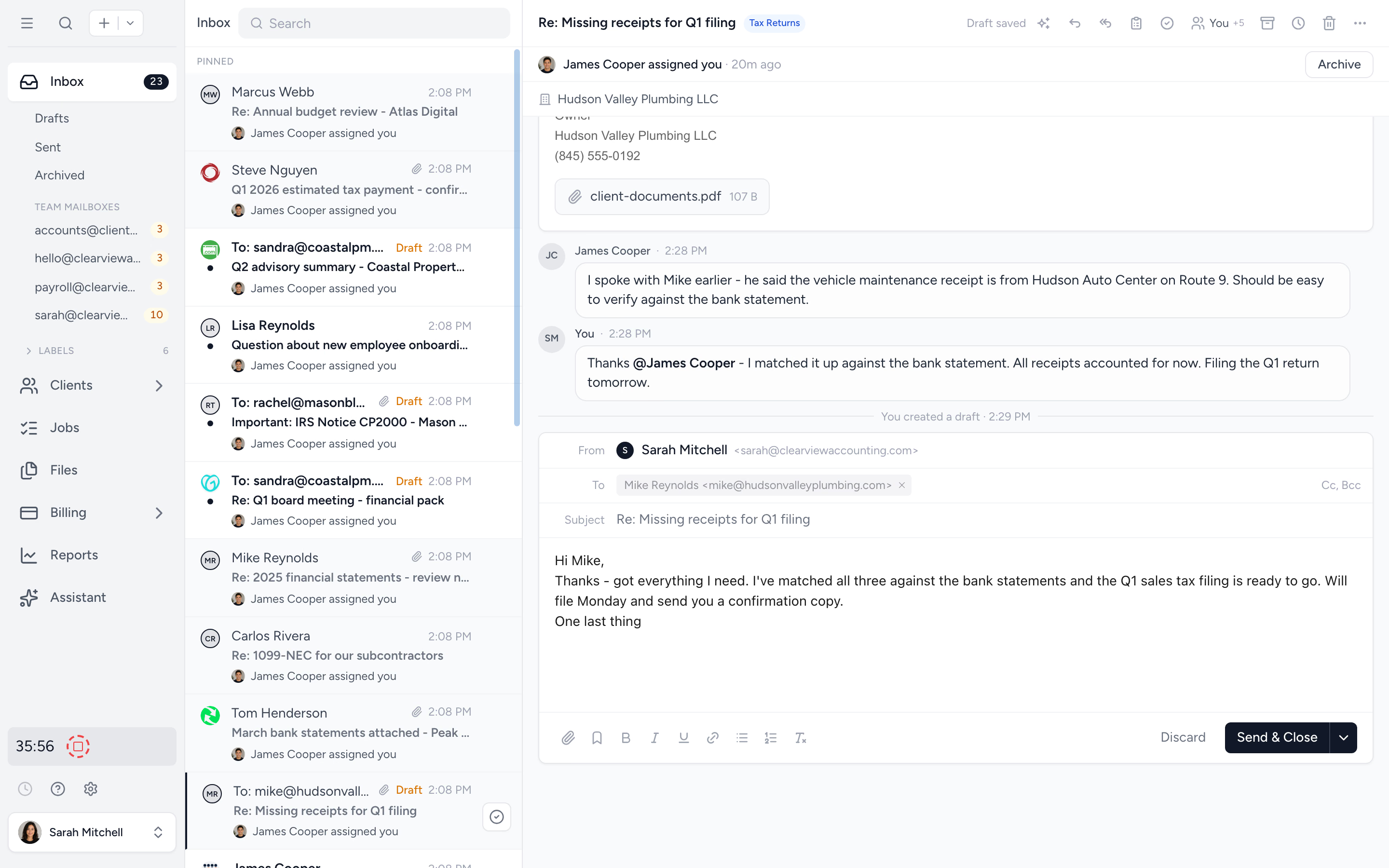
An agent is set up like a person and controlled like one. Owners and admins choose which clients each agent can see and what it is allowed to do, and can pull the plug in a click.
- ✓ Scope each agent to every client, or only selected client groups
- ✓ Grant abilities one by one
- ✓ Pause it to cancel active work and revoke access
- ✓ Every action recorded on the Job, staff-only
Already built an agent? Give it a seat.
Point Tidyflow at an endpoint and your own agent picks up work as it arrives. It gets the same scoped access, the same abilities and the same boundaries as the built-in agent.
Rolling out gradually, and not yet enabled for every workspace.
The things firms ask first.
No. An agent never sends email, and it cannot post a comment or attach a file a client would see. When the next step is a message to your client, it prepares a draft and a person sends it.
Not unless you tell them. On a Job shared with a client, everything the agent does is internal to your firm. One thing to know: completing work can send a client request. If you have set a request to send automatically once a Job is done, an agent finishing that Job sends it, using your template wording rather than the agent's.
Exactly what a staff member sees on the Jobs and clients you give it access to. You choose whether it sees every client or only selected client groups, and which abilities it is granted.
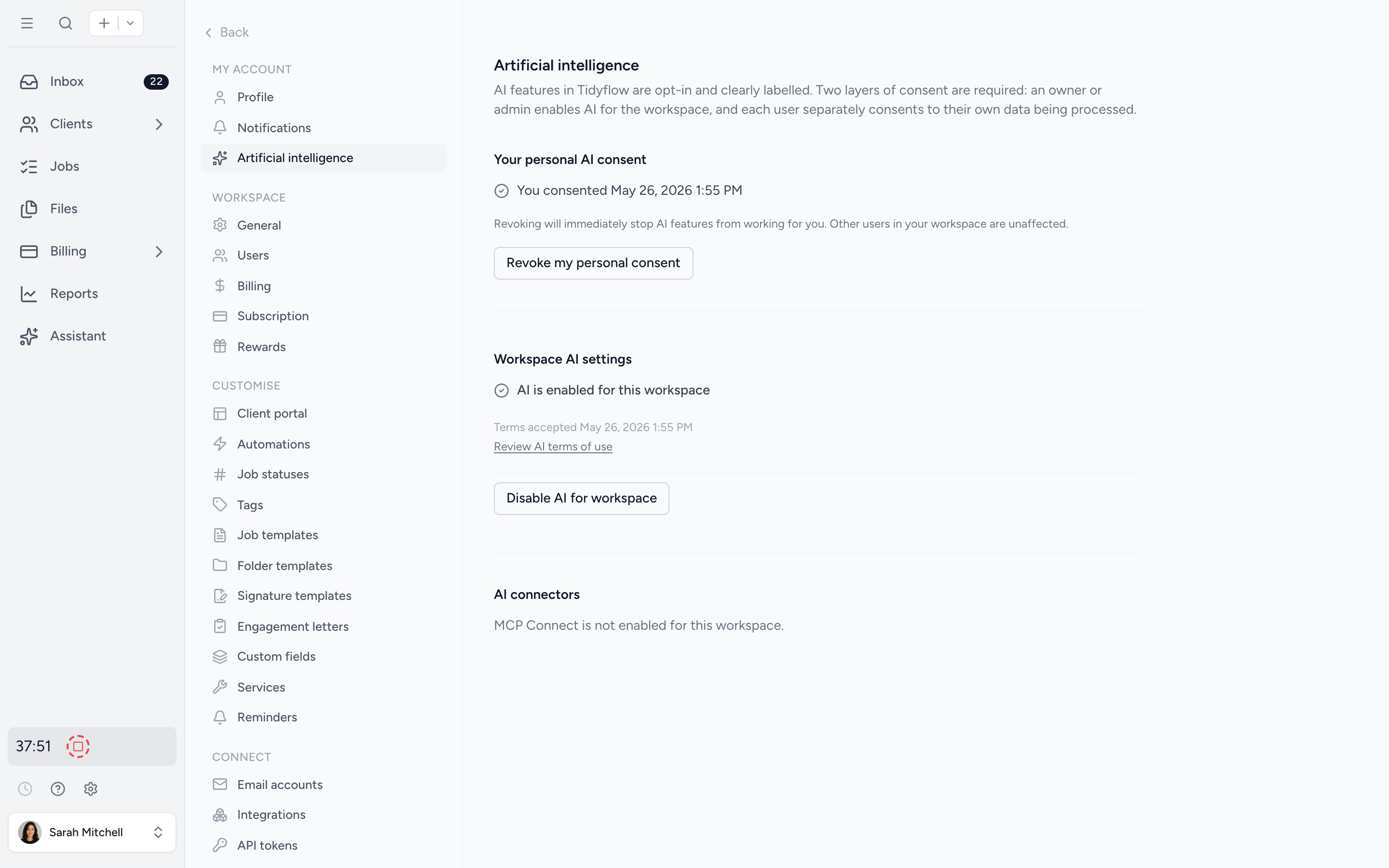
The Tidyflow Agent is available on every plan once an owner or admin accepts the AI terms of use in Settings → Artificial intelligence. Bringing your own agent is rolling out gradually and is not yet on for every workspace.
Hit Stop on the Job and the session ends immediately. You can also pause an agent from settings, which cancels its active work and revokes its access, or archive it the way you would archive a person.
It asks. The agent posts a question on the Job and notifies whoever delegated the work, you reply, and it picks up where it left off. Questions and replies are staff-only.
Put a teammate on the work nobody wants.
Available on every plan once your firm accepts the AI terms. Try it on your real workspace during your free trial.