
Client & Contact Management
Deleting a Contact
Delete a Contact
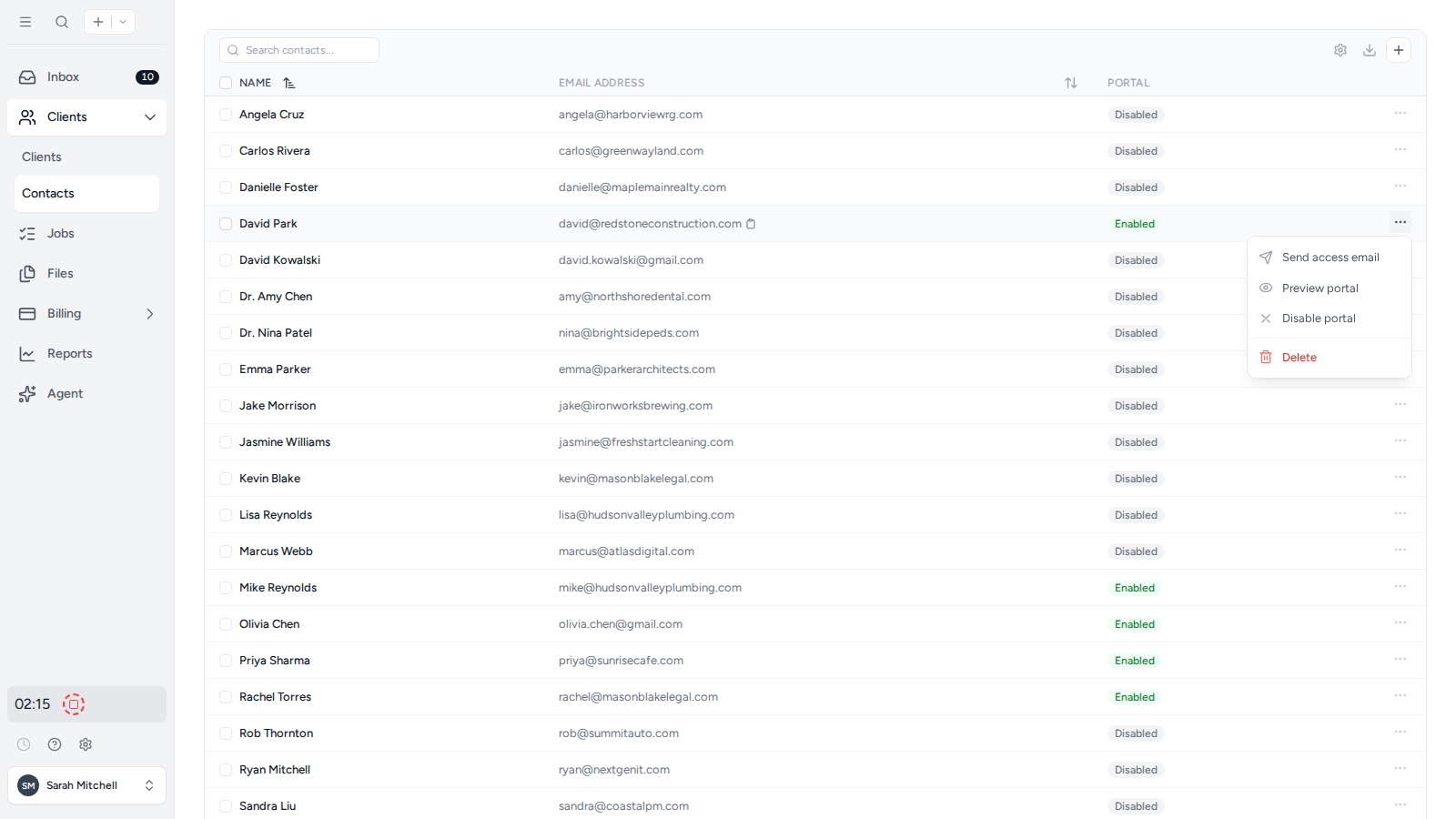
- Select Clients, then Contacts in the sidebar.
- Open the three-dot menu at the right of the Contact.
- Select Delete and review the confirmation before continuing.
Deleting a Contact removes that person from the workspace and revokes their client portal access. To keep the Contact but prevent portal sign-in, select Disable portal instead. To unlink the Contact from only one client, see Remove a Contact from a Client.
Was this page helpful?
What went wrong?
Thanks for your feedback.
Last updated August 25, 2026