
Job & Workflow Management
Duplicate a Job
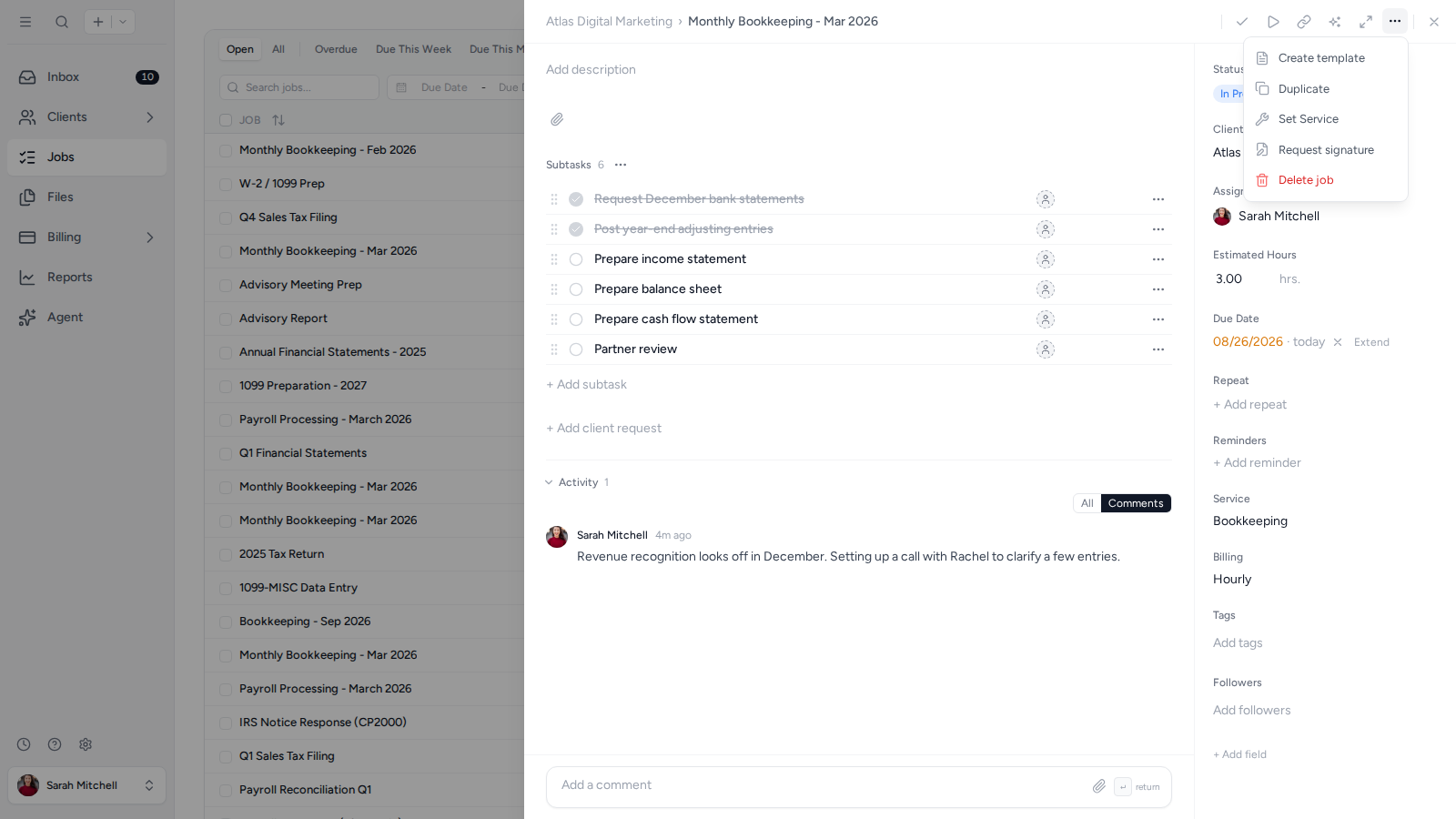
- Open the Job you want to duplicate.
- Open Job actions in the top-right corner and select Duplicate.
- Open the new Job and update its name, client, dates, or other details as needed.
Was this page helpful?
What went wrong?
Thanks for your feedback.
- Next
- Export Jobs
Last updated August 25, 2026