
Client & Contact Management
Archive a Client
Archive a client
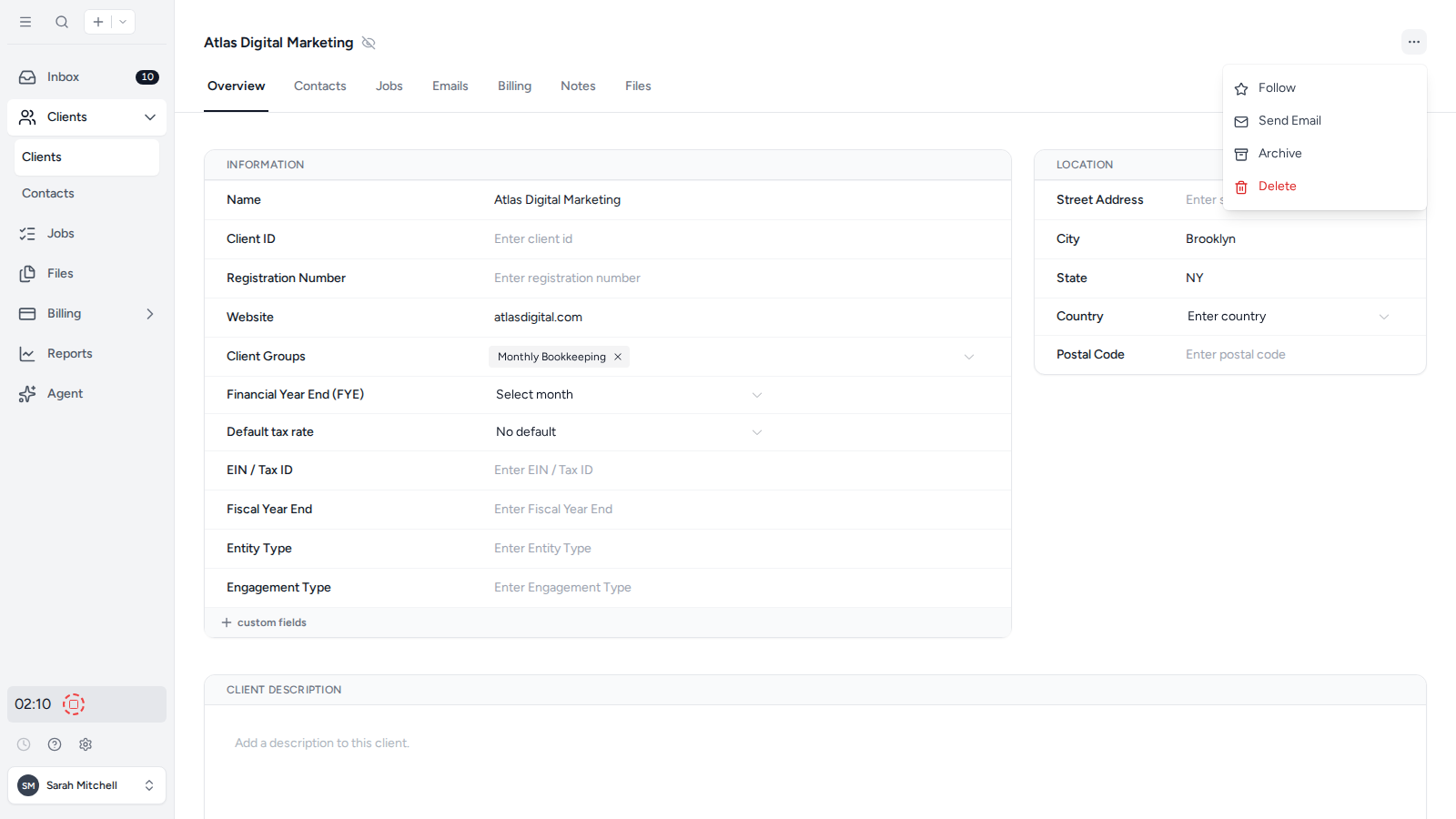
- Open the client in the firm app.
- Open the three-dot menu in the top-right corner.
- Select Archive.
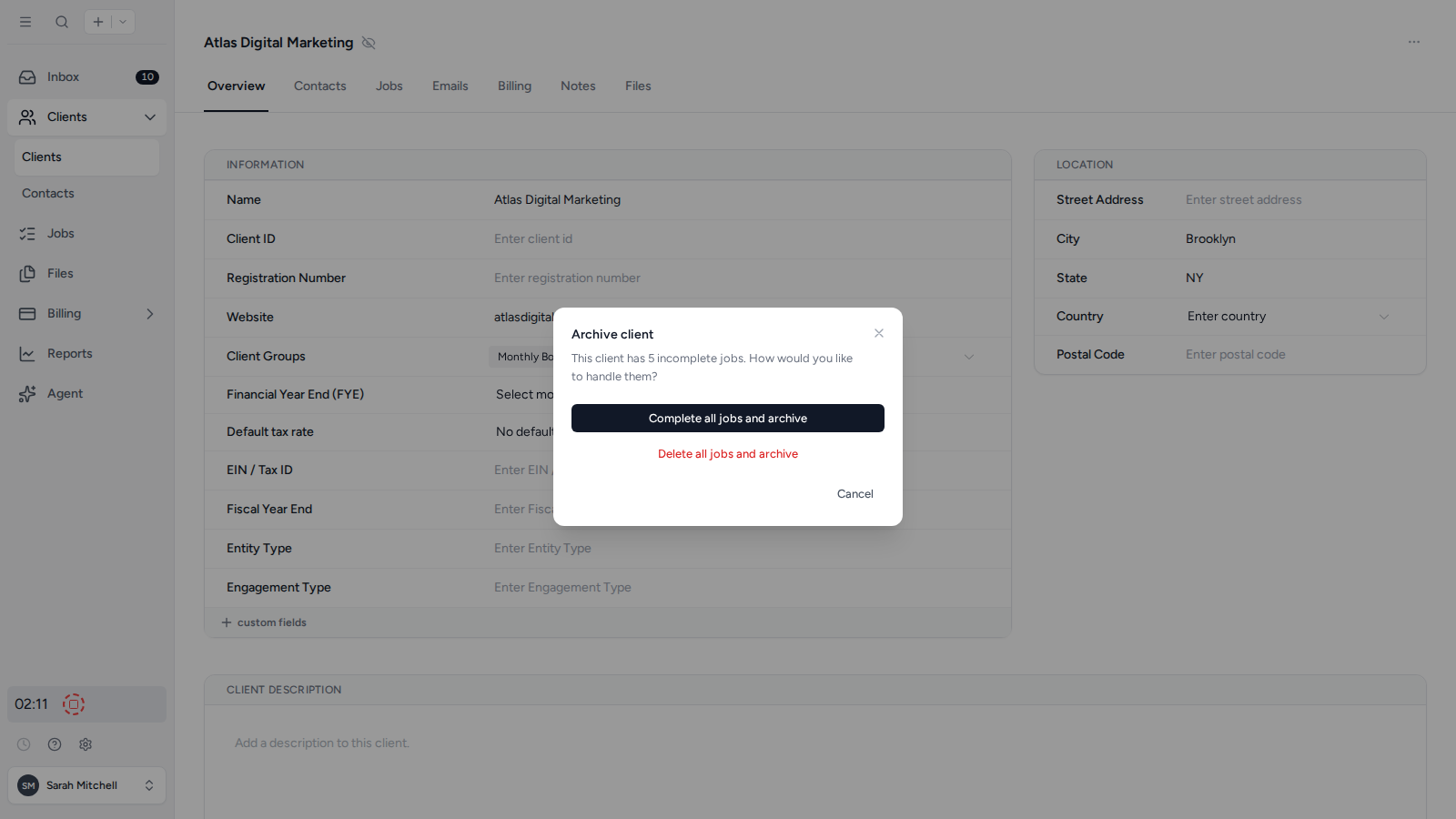
If the client has incomplete Jobs, Tidyflow asks whether to complete or delete those Jobs before archiving the client. Review the count, then choose Complete all jobs and archive or Delete all jobs and archive. This action cannot be undone.
Was this page helpful?
What went wrong?
Thanks for your feedback.
- Previous
- Add UK clients from Companies House
Last updated August 25, 2026